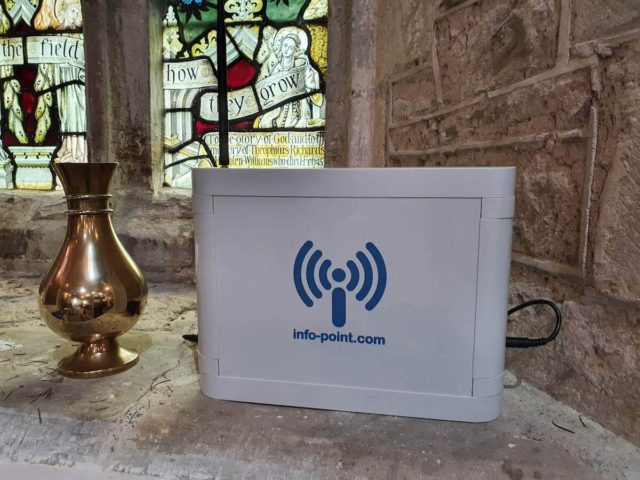
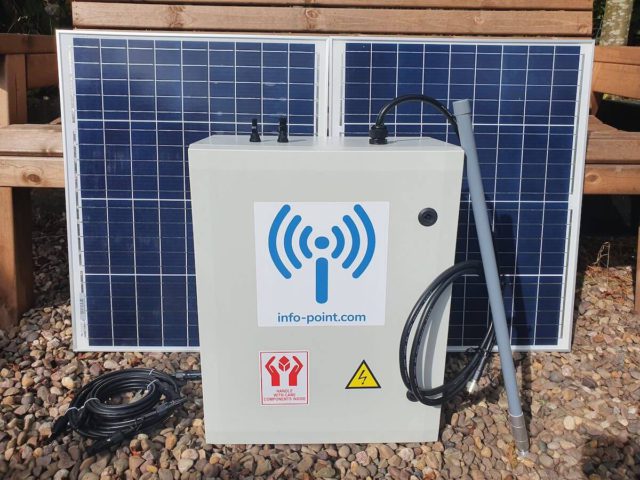
Info Point now supports 3D models with interactive hotspots to help bring your stories to life.
3D modelling is the process of creating three-dimensional digital representations of an object or a surface, such as a delicate museum artefact or even a whole landscape. Such 3D models can be imported into Info Point to allow visitors to explore them in greater detail. Models can be rotated, panned and zoomed.
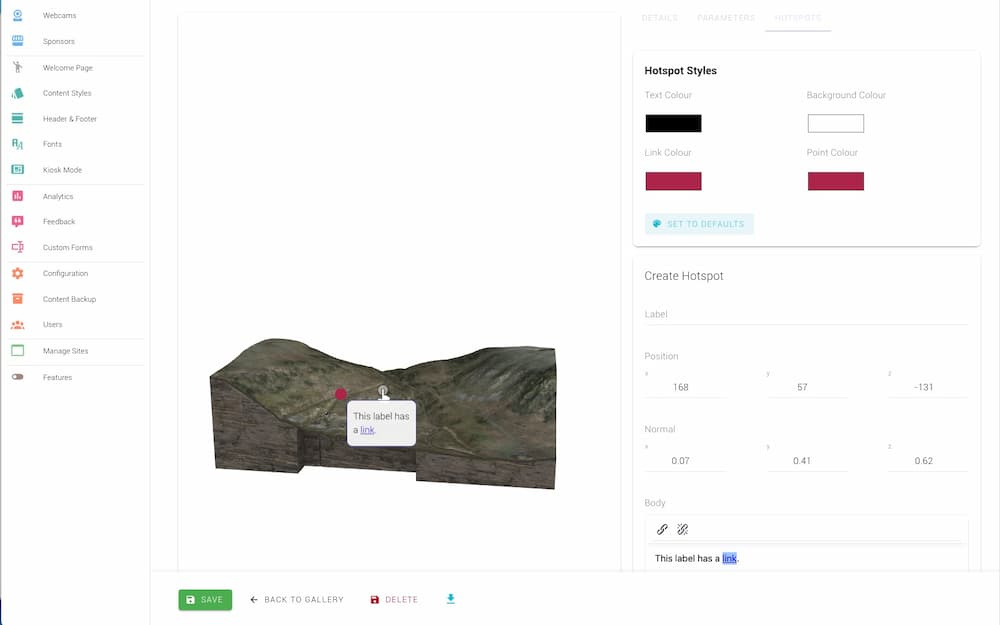
Hotspots can be added to a model too. When a hotspot is tapped it reveals a label with a description of that feature. The label description can include a link to another page where further (layered) content can be revealed.
As the video further down this page illustrates, once you have a 3D model, it can be animated to provide fly-through videos of a scene.
Case study – Anglo-Saxon Cremation Urn
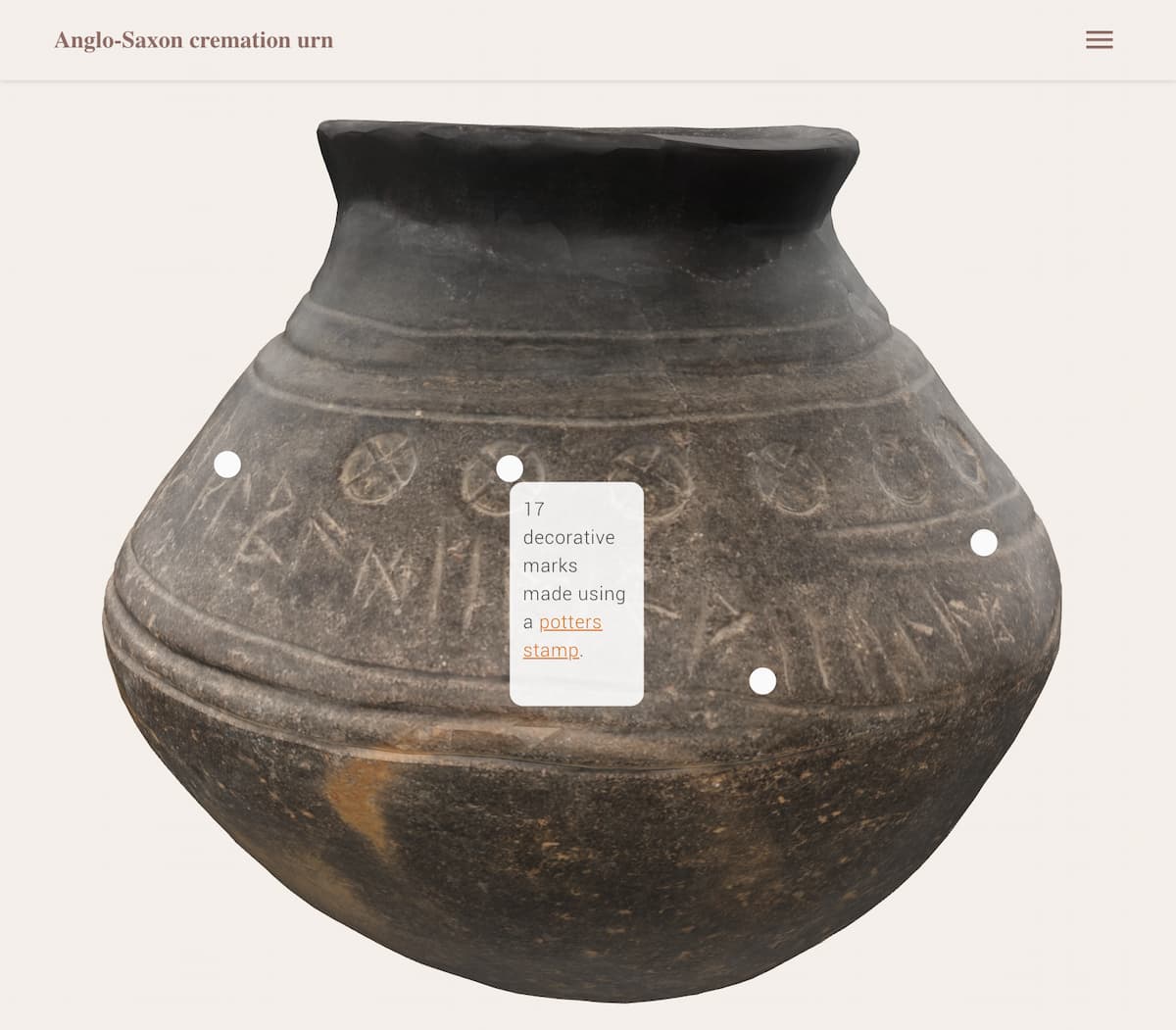
The 3D model above was designed to facilitate research on a 6th-century Anglo-Saxon cremation urn excavated at Loveden Hill, Lincolnshire (British Museum No.1963,1001.14; height 155mm, diameter 180mm). The urn carries a runic inscription (Siþæbæd – a personal name), one of the earliest examples of written Old English.
Info Point users can engage with this delicate urn without risk of damage. Furthermore, user can benefit by being able to tap on the key features and learn more about them on screen. To read more about the creation of the model, view the blog entry at http://www.landscaperesearchcentre.org/wp/?p=92
Case Study: Cwm Elan Mine
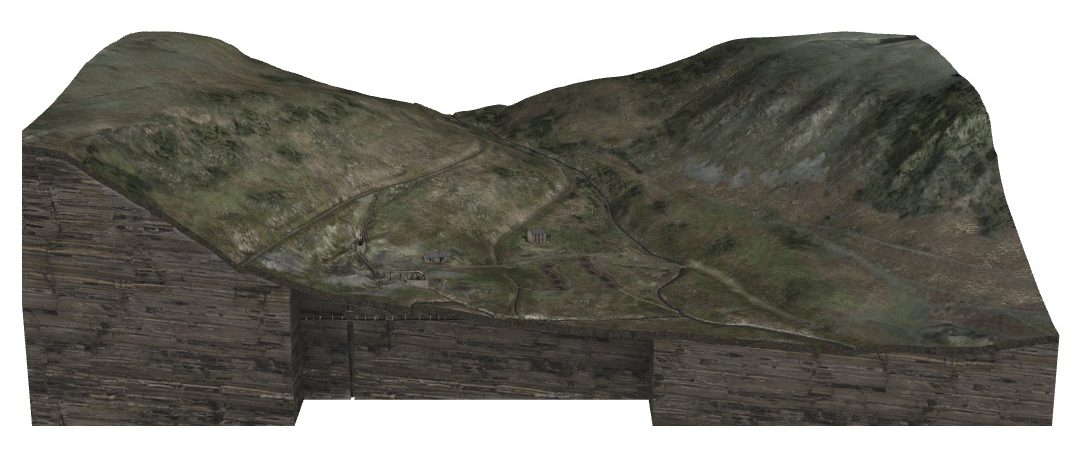
Lead has been mined in Wales since around 1,000BC. During the roman occupation of AD43 – 407 lead was used in large quantities for water pipes, ornaments and coffins. Demand was high again in the eleventh and twelfth centuries to cover roofs of castles, churches and other great buildings. The scale of workings remained small until the sixteenth century when the industry saw steady growth promoted by Queen Elizabeth 1st. Technical advances from Germany greatly improved methods of production and by the eighteenth century Britain was the most important producer of lead in Europe. Lead mining continued into the nineteenth century and most of the mines found on the Elan Estate date from this period. During the eighteenth century however, there was a massive increase in foreign produce and the industry declined, no longer able to compete.
The computer-generated re-creation of Cwm Elan Mine shows how it looked when it was in use at the end of the 19th Century. This 3D model, with interactive hotspots, can be explored in more detail via your own mobile device, using the Info Point Solar installed on site at Cwm Elan Mine. This digital visitor experience is possible because the Info Point Solar can work without internet connectivity or mains power.
Uploading 3D models to Info Point
Info Point accepts .glb files. These can be exported from the more common .obj file format using software such as Blender. Smaller models (those under 100mb) are preferred because these will load quicker when the user opens an Info Point page.
As with all visual media assets in Info Point, Content Managers can add a caption and accessibility text. Content Managers can also upload a poster (an image that displays whilst the 3D model loads) and an Environment file (a background to your model).
Hotspots points and the labels can be styled independently of the Info Point’s Content Styles. This is to ensure they can stand out against a model that may have colours that clash with your site’s branding. Learn more in our how to video.
3D model upgrade
3D models are a premium upgrade. If you would like to upgrade your current Info Point or add the feature to a new purchase the please get in touch and we will organise this for you.